Check before you watch.
Got an hour, and no idea whether this video is worth it? KeyParts reads the video for you and helps you answer that question: it sums it up in a few sentences and breaks it into sections with timestamps and what each of them is about. If only ten minutes of it are worth your time, it shows you which ten.
How it works
-
On the list of videos
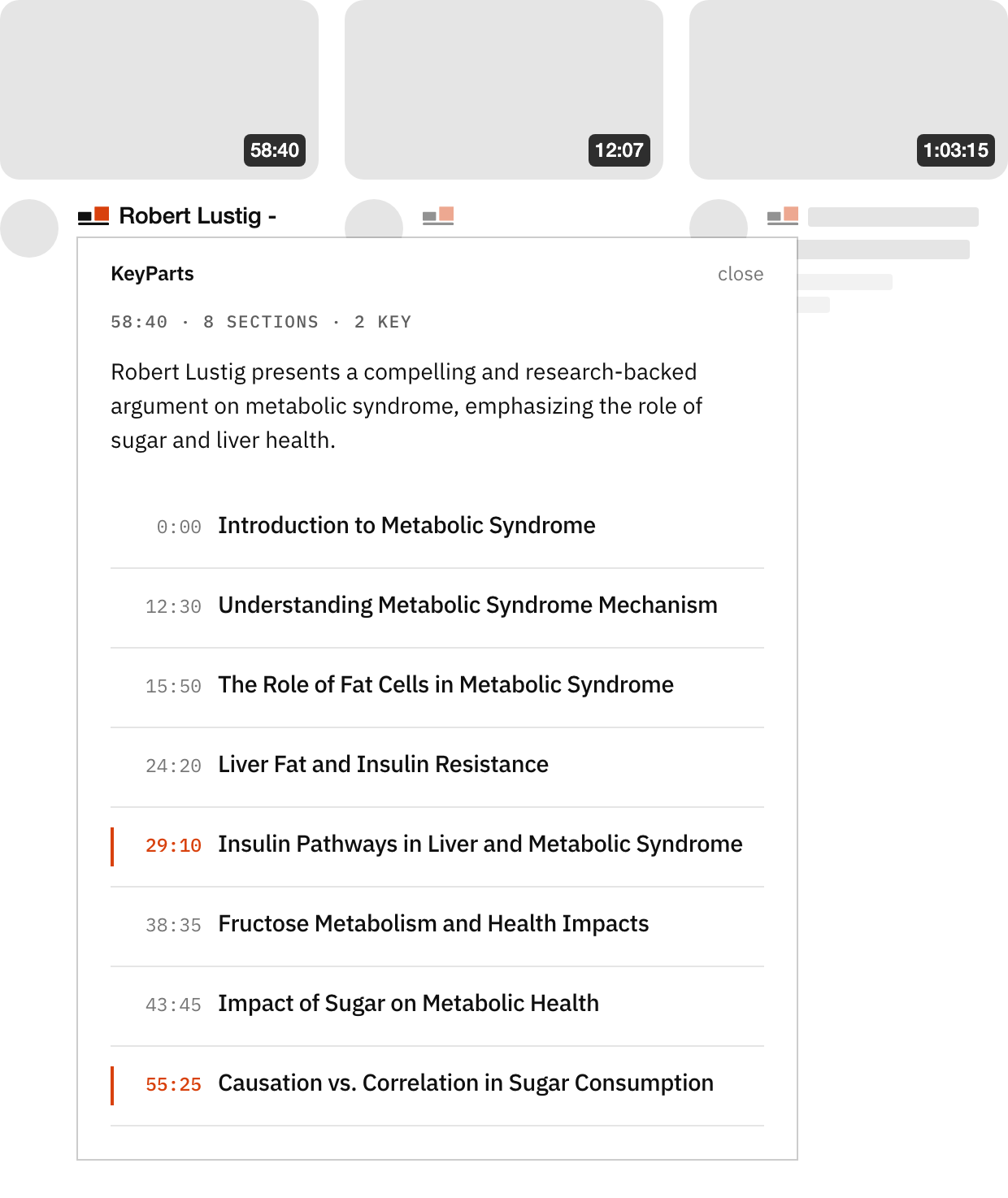
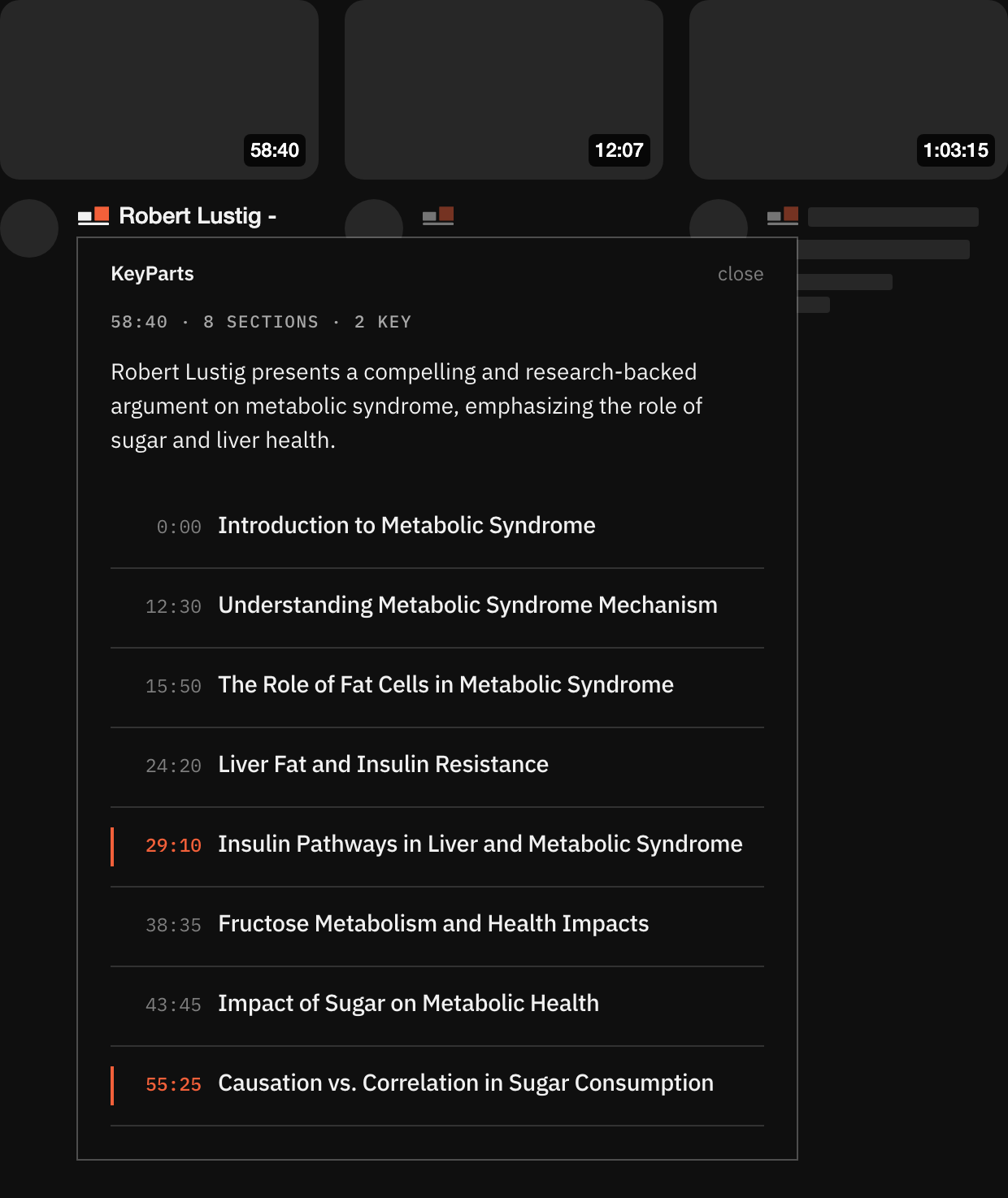
Every video gets a small KeyParts icon beside its title. Click it and, without opening the video, you have what you need to decide: one sentence on what is in it and the list of sections with timestamps, with the ones especially worth watching marked. Hover over a section and its description appears; click it to open the video right there.
-
On the video page
In the right column, the KeyParts extension shows the video's summary: a few sentences on what it is about, a timeline split into sections, and the list of sections with timestamps and what each of them is about. Click a section's timestamp, or anywhere on the timeline, and the video jumps there.
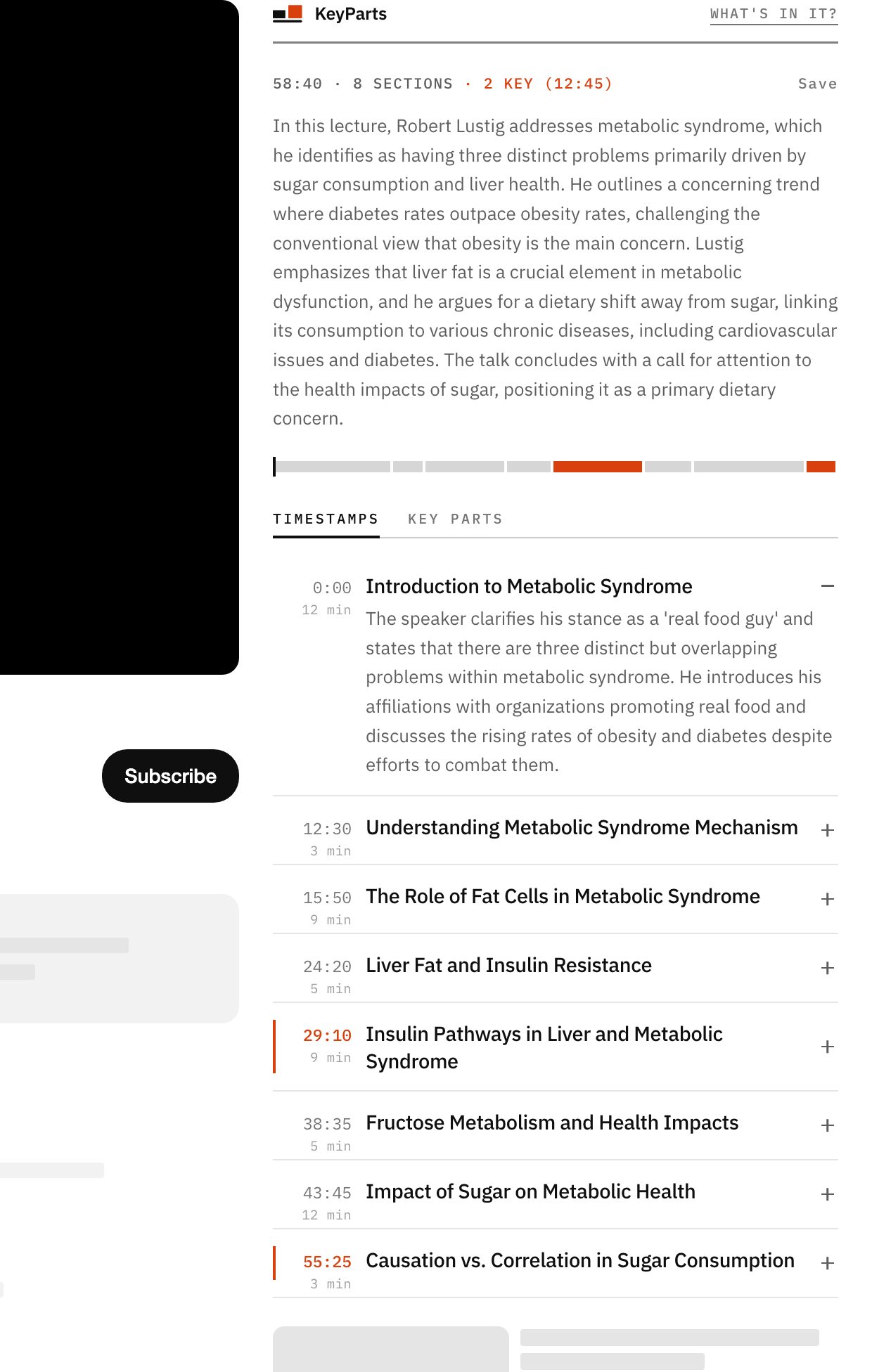
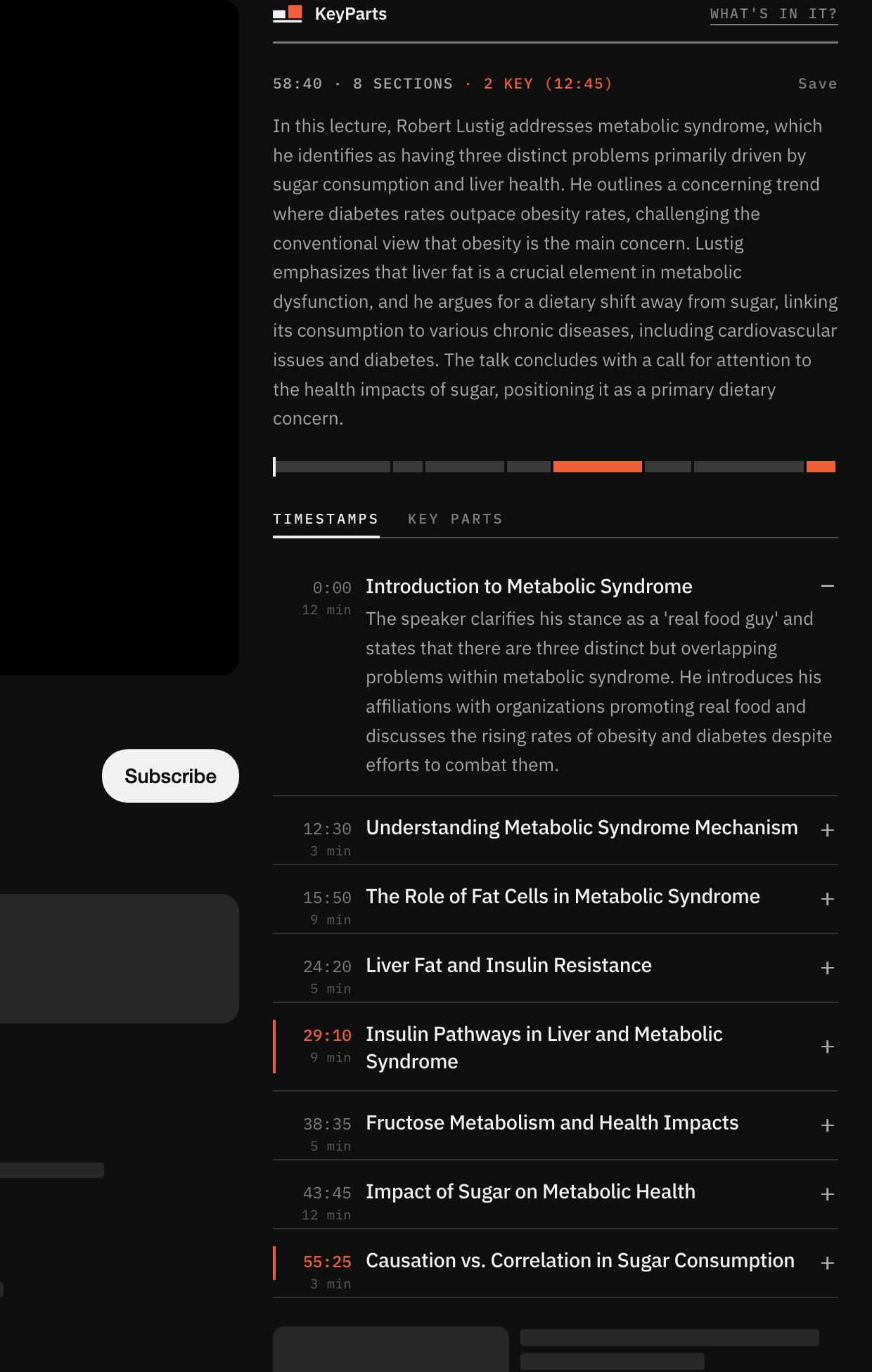
The pictures show the real extension, at its actual size.
The summary can be in the video's language, in English or in Polish. The extension itself comes in English and Polish.
Plans
Trial
Free
Every new account gets this plan once its e-mail address is confirmed. After 7 days, we recommend the Pro plan. If you are still unsure by then, you can go on with the Basic plan, entirely free.
Basic
Free
Available after the first week, Chrome only. Your computer makes the summary, slower and less detailed than Pro - what it downloads and how it differs. The captions stay on your computer.
Pro
$5 a month
A summary with an overview of the whole video and its key parts: the first sections in 2–3 seconds, the whole in 4–9. Two modes to choose from: faster or more detailed.
Get started
Install from the Chrome Web Store
Once it is installed, the extension's options page opens. Click “Connect”, then create an account or sign in. It takes a minute, and the free plan starts once your e-mail address is confirmed.
You can also create the account first and connect the extension later, from the account page.
Something not working? Step-by-step guide, with pictures.
The extension fetches the video's captions and sends only their text to our server. What we do with it is in the privacy policy.